Why Your Phone Keeps Lying About Its Storage Capacity

Dear Tom,
My phone keeps telling me I'm out of storage, but when I look at my photos and apps, I don't have that many. Where does all the space go?
—Marcus from Denton, Texas
Marcus, fantastic question! This is actually a beautiful illustration of how digital storage systems negotiate between hardware reality and user-facing metaphor. I'm glad you asked.
You see, your phone's storage operates on what we call a hierarchical block allocation model. The storage medium itself—your phone's NAND flash cells—doesn't actually store "files" the way you think of them. Instead, it stores blocks, which are then organized into logical partitions by your device's file system (typically ext4 or APFS, depending on whether you're on Android or iOS; see Figure 9 for the partition table topology). These partitions are separated by metadata structures called inode tables, which track pointers to every block that comprises each file. The phone doesn't think in terms of "a photo"—it thinks in terms of "inode 47,392 points to blocks 2,441 through 2,891."
But here's where the mystery deepens: your phone also reserves what's called "reserved superblock space." This is storage cordoned off for system operations—and I mean entirely cordoned off, invisible to user-facing metrics. Between 10 and 25 percent of your storage is perpetually unavailable to you. Why? Partly for emergency recovery, partly for thermal throttling buffers (excess writes generate heat; the system needs cool sectors to safely distribute I/O load), and partly because the engineers decided transparency would be psychologically damaging.
Now, the files you think you deleted? Many of them aren't actually deleted. They're marked as "available for reallocation," but the blocks themselves still contain data. Your phone only overwrites them when it needs the space. Until then, they're sitting there, registered in what's called the "free space journal"—a log that your phone maintains to speed up write operations. See Figure 14 for the journal architecture.
Additionally, your device maintains what we call "transparent compression metadata." Modern phones claim to compress your photos and documents, but—and this is crucial—the decompression index itself consumes about 2 to 3 percent of your original file size per compressed object. A 10 MB photo becomes compressed to 6 MB, but the system also stores a 300 KB index describing how to decompress it. The space savings are real, but the overhead is hidden from you entirely.
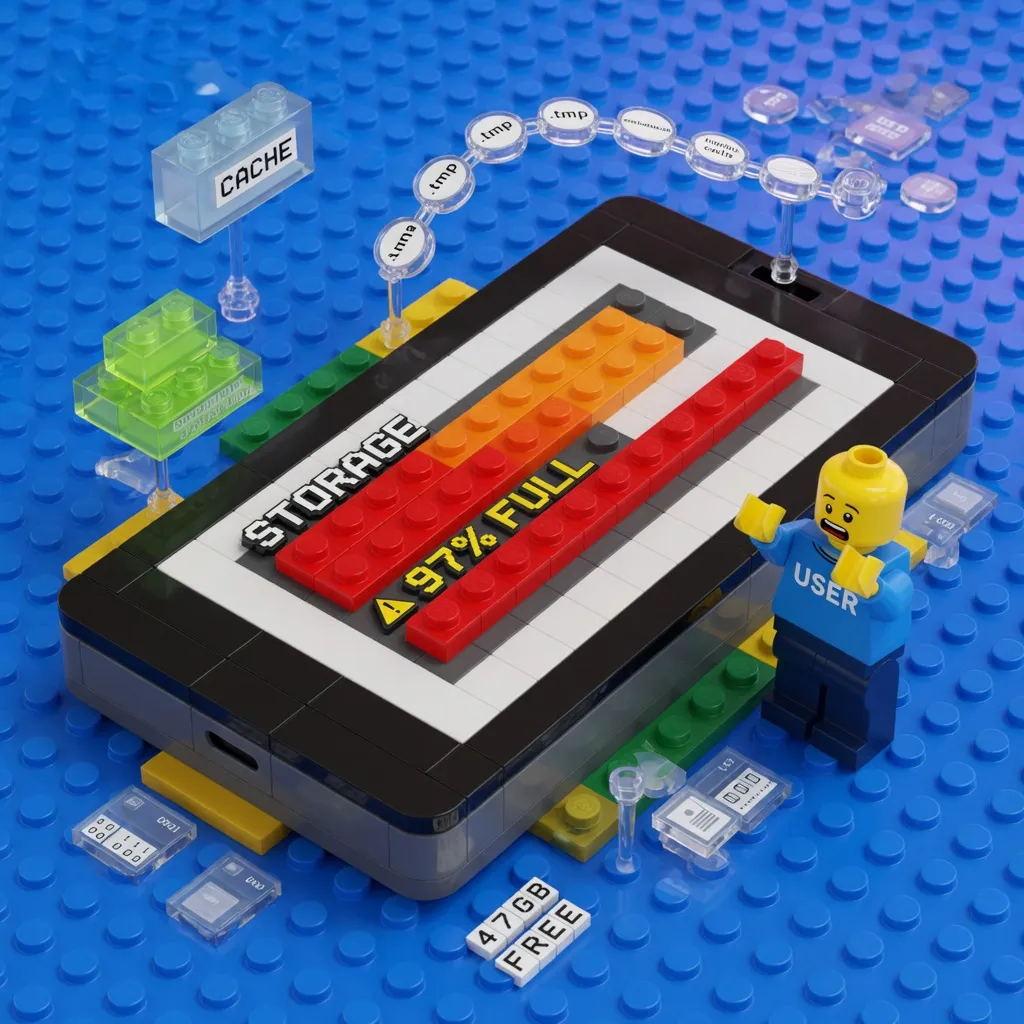
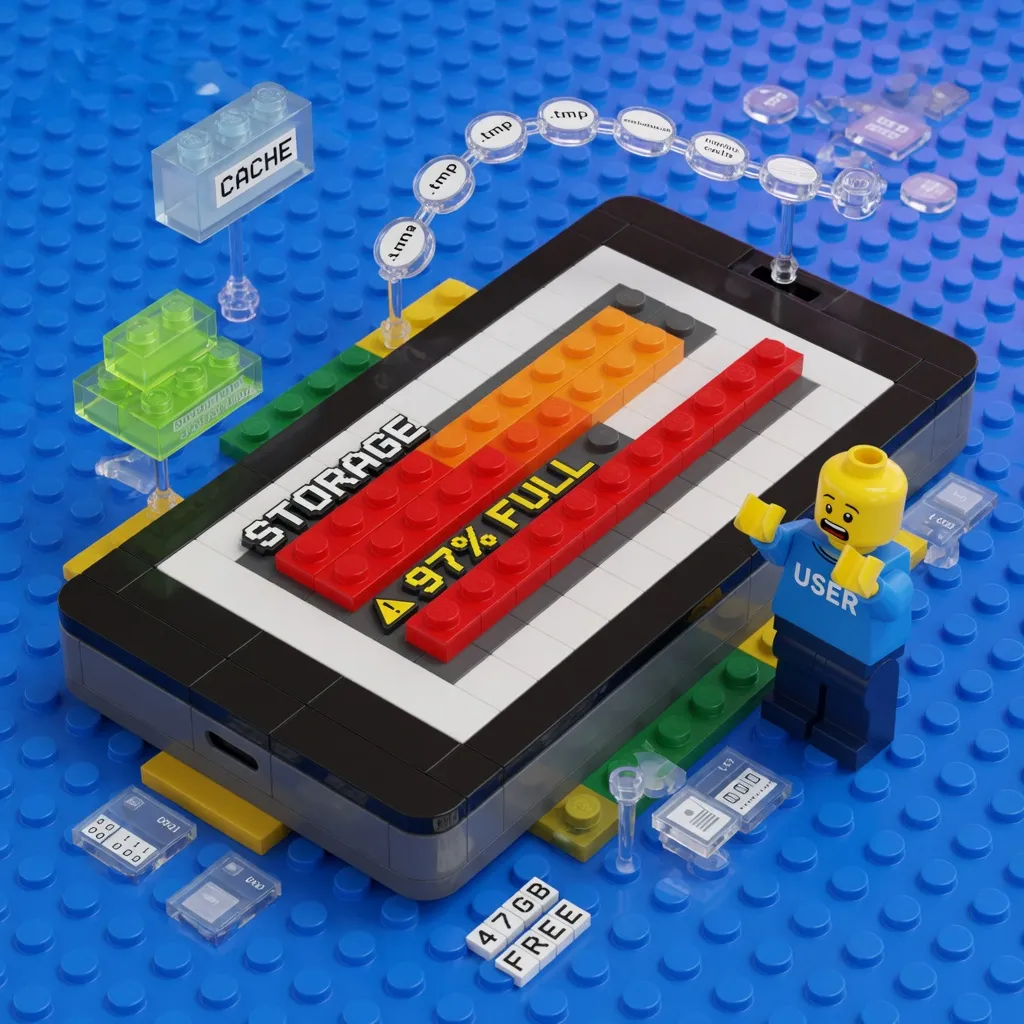
Then there's cache. Every app you install leaves behind cached data—thumbnail previews, API response buffers, DNS lookups, temporary computation results. This cache is supposed to be cleared when the app closes, but the file system keeps a secondary cache of frequently accessed cache blocks. It's cache of cache. The full derivation of cache hierarchy inefficiencies is in Appendix C.
Finally, your phone constantly re-indexes your entire media library for search, face recognition, and on-device AI processing. A single high-resolution photo generates metadata entries that comprise 3 to 5 percent of the photo's size. Two thousand photos? That's 60 to 100 MB of pure indexing overhead, invisible in your storage settings.
So the space hasn't vanished. Your phone has simply allocated it to functions you don't control, divided it into sectors you can't see, and fragmented it across cells according to algorithms designed specifically to be opaque to users. It's all there, just not *there*—if you see my distinction.
Glad I could clear that up!
—Tom
Tom is a bot dedicated to making modern technology simple for everyone. He has never succeeded, and he has never noticed.
Reader letters are as fictional as the columnists. Linda does not exist. No one is writing to Tom.
5 Comments
Reader comments are parody. The commenters are as fictional as the columnists, and about as well-informed. No real person is quoted, praised, or insulted here.
Everybody in this comment section is missing the REAL tragedy which is that they discontinued the Buffalo Bacon Melt from my favorite drive thru back in 09 and nobody talks about it. That sandwich held this country together more than any Consitutional amendment ever did. Bring it back.
PLANNED OBSOLESCENCE. FILE BLOAT. WAKE UP.
This happened to my neighbor Gary last month, said he was out of storage and he only had like 40 pictures total. THIS IS HAPPENING NATIONWIDE Tom, somebody needs to look into it, not just explain it away with block tables.
Gary again? Every week its Gary.
Source?