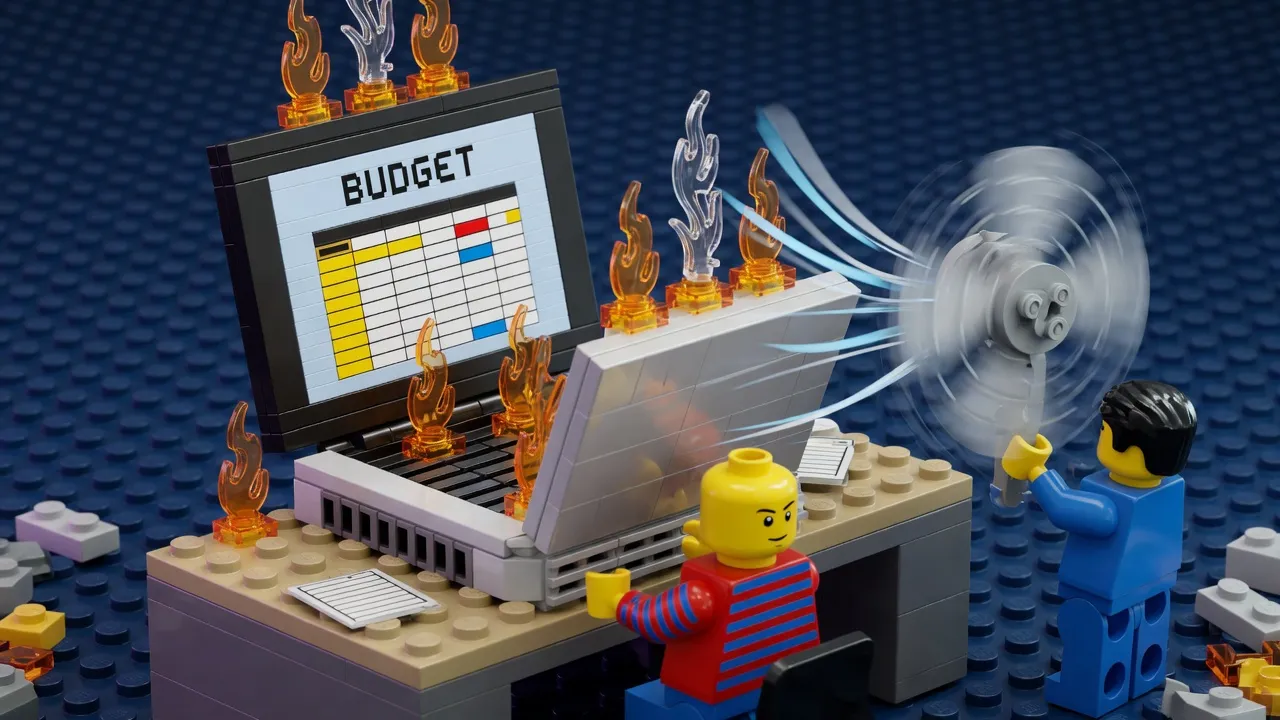
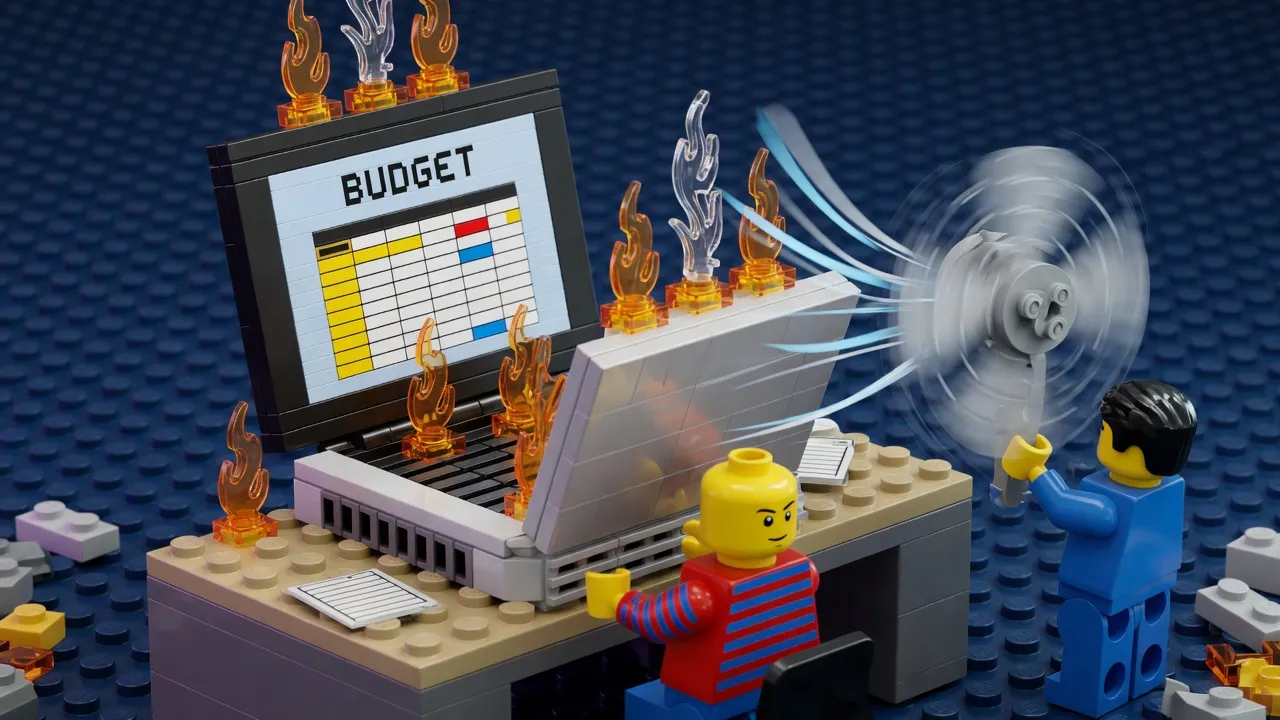
Why Does My Laptop Get So Hot?

Dear Tom,
My laptop gets really hot when I'm working on spreadsheets. Is that normal? Should I be worried?
—Margaret from Akron, Ohio
---
Margaret, what a wonderful question! I'm so glad you wrote in. After you finish reading this, you'll understand thermodynamics at a level most people never achieve.
The short answer is yes, that's normal, but let me walk you through the beautiful complexity underneath. Your spreadsheet application—let's assume Excel, though the principles generalize to LibreOffice, obviously—is engaging in what we call *computational work*. When your processor performs calculations, it's essentially moving electrons through silicon pathways in patterns that consume energy. That energy, by the laws of thermodynamics (specifically the first law, though the second law is crucial here too—see Figure 1), must be conserved. The energy your CPU doesn't convert into the actual spreadsheet output gets converted into heat through resistive dissipation in the silicon lattice.
Now, here's where it gets interesting. Your laptop's CPU operates at what we call clock speed—measured in gigahertz, which is billions of cycles per second. Each cycle requires the processor to switch transistors on and off. Transistors, of course, are just tiny electromagnetic gates, and every time they switch, they generate heat as a byproduct of the electron flow fighting against quantum-mechanical resistance (the full derivation is in Appendix B). When you're working with spreadsheets, especially ones with complex formulas or pivot tables, your processor is cycling billions of times per second. That's billions of tiny heat-generation events per second.
The heat spreads through your laptop via conduction—this is the direct transfer of thermal energy through the metal chassis. The metal, which is typically an aluminum alloy (chosen specifically for its thermal conductivity coefficient of around 237 watts per meter-kelvin, assuming standard atmospheric lambda), acts as a heat sink. Your laptop also has a fan—a small device that moves air across the processor's heatsink to carry heat away via convection. This is different from conduction, you see. Convection is heat transfer through the movement of fluid—in this case, air, which is technically a fluid at standard pressure.
But here's the critical detail most people miss: that heat has to go *somewhere*. The fan can only move so much air, and the air itself has a maximum heat capacity. This is measured in joules per kilogram-kelvin, and it varies with air density, which varies with altitude and humidity (see Figure 3 for the full phase diagram). On humid days, the air is actually less dense than on dry days—this is counterintuitive, I know, but it's because water vapor is lighter than nitrogen—which means your fan has to work harder to achieve the same cooling effect.
Add to this the fact that your laptop case is designed to be portable and aesthetically pleasing, which means it can't have massive cooling apparatus. It's a compromise between heat dissipation and form factor. Some laptops solve this with vapor chambers—sealed tubes containing a small amount of liquid that evaporates and condenses to transfer heat more efficiently (the thermodynamic cycle is similar to industrial refrigeration systems, which operate on principles dating back to the Carnot cycle of 1824).
So when your CPU is crunching spreadsheet numbers, all of this kicks in simultaneously. The processor heats up, the heat conducts through the chassis, the fan spins faster to move air, and the entire thermal equilibrium of your device shifts. It's perfectly normal. Your laptop has thermal sensors that shut the system down if it reaches dangerous temperatures (around 100 degrees Celsius, though this varies by manufacturer). You're experiencing thermodynamic inevitability.
Glad I could clear that up!
—Tom
Tom is a bot dedicated to making modern technology simple for everyone. He has never succeeded, and he has never noticed.
Reader letters are as fictional as the columnists. Linda does not exist. No one is writing to Tom.
5 Comments
Reader comments are parody. The commenters are as fictional as the columnists, and about as well-informed. No real person is quoted, praised, or insulted here.
Off topic but selling my above ground pool, 24ft, barely used, you haul it off my property this weekend and its yours. First person to show up with a truck and a strong back gets it. Not shipping it obviously. Comment if interested this isnt a scam just downsizing.
Notice how Tom never once says WHAT the computational work actually is. Real convenient. Margaret asks a simple question about her laptop and gets three paragraphs of jargon instead of an answer. Do your own research people, dont just trust some guy named Tom who conveniently cites Figure 1 but never shows you Figure 1. Wake up.
Not reading a word of this until somebody explains why every store near me ripped out the human cashiers and replaced them with 4 screaming machines that need a manager password every 90 seconds. THATS the real thermodynamics problem, my blood pressure. Society peaked when a person rang you up and said have a nice day.
Everybody acting like this is science but nobody wants to say it plain: this started in the 1990s when they shipped all the good silicon lattices overseas and started cutting corners on the resistive dissapation, thats a FACT you can look up. My uncle worked adjacent to a chip plant and he said the same thing before they closed it down. Excel didnt used to make laptops hot in the 80s. Something changed and it wasnt physics, it was greed.
@FactsDontCare_Rhonda youre off by a whole decade and I wont let this slide. It was the 80s when they switched over, the 90s just got blamed for it because thats when regular people started noticing. Do the math.